
GENERAL
Notion Mobile Sucks. Here Are 5 Feeder Apps That Don't.
Notion and Obsidian are great for storing ideas — but terrible for catching them. Here are 5 lightweight feeder apps that handle the messy, on-the-go phase of thinking.
Feb 22, 2026
Opening Notion on your phone to jot down a quick thought is like getting out a filing cabinet to write a grocery list. By the time the workspace loads, the thought is gone.
If you want a Second Brain that actually works, you need "feeder apps" — lightweight tools that do one thing: get the thought out of your head and into the system without making you do homework.
Here are the 5 best tools for the job.
5. Otter.ai (For the Verbal Thinkers)
Sometimes your hands are busy. You're driving, walking the dog, or pacing around the kitchen. Otter is the gold standard for transcription — it handles long-form rambling far better than your phone's built-in dictation.
- The workflow: Record a 10-minute brainstorming session on your walk. Later, copy the clean transcript into a Notion "Brain Dump" page.
- The vibe: Turning your morning walk into a rough draft.
4. Instant Notion (The Database Shortcut)
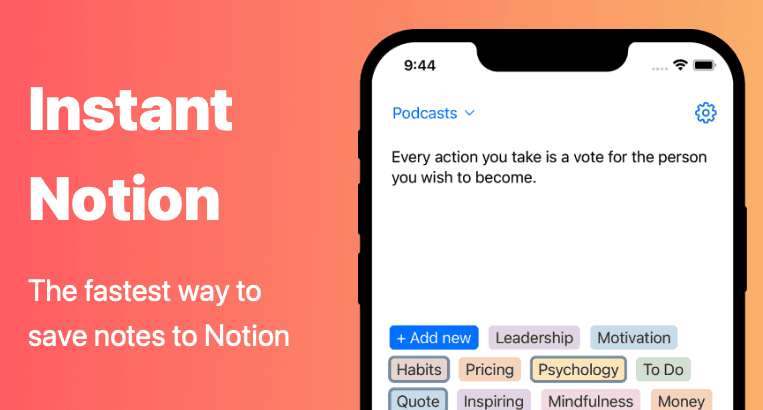
If you're a Notion purist, this app is built to skip the workspace loading screens entirely. It's focused on one thing: getting data into your databases as fast as humanly possible.
- The workflow: It supports offline capture too, so if you're in a subway tunnel or a dead zone, you can still save the note. It syncs to your Notion dashboard the moment you have service again.
- The vibe: Notion, but without the spinning wheel of death.
3. Quick Capture for Obsidian
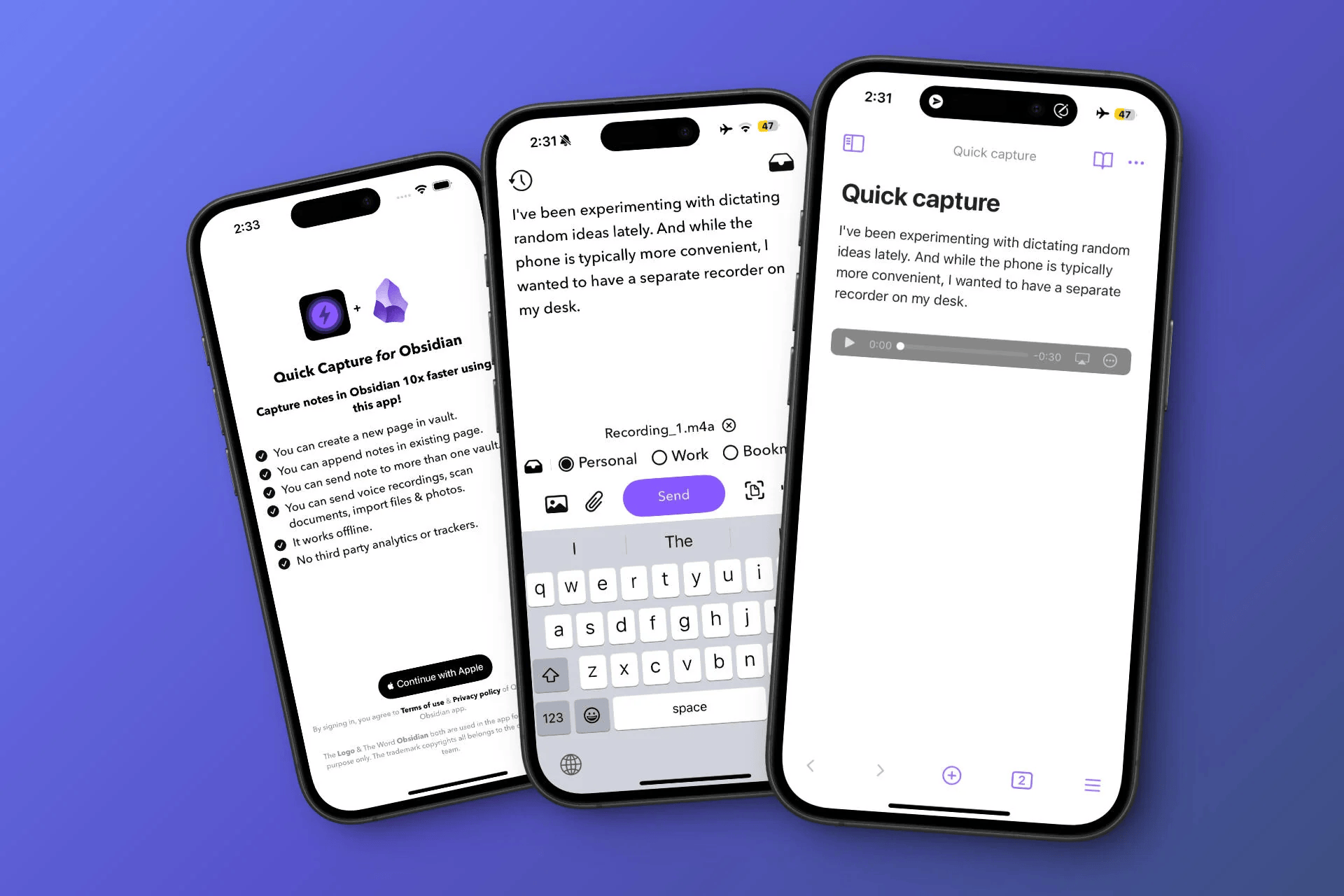
Obsidian mobile is powerful, but it's a lot to open just to jot down a book title or a stray idea. This dedicated companion app is a fast lane for entry — you don't have to load your entire vault to add a single line.
- The workflow: It lets you append text to existing notes (like your Daily Log) without touching the graph view. Super fast, super lightweight.
- The vibe: Obsidian, speed-run edition.
2. Drafts
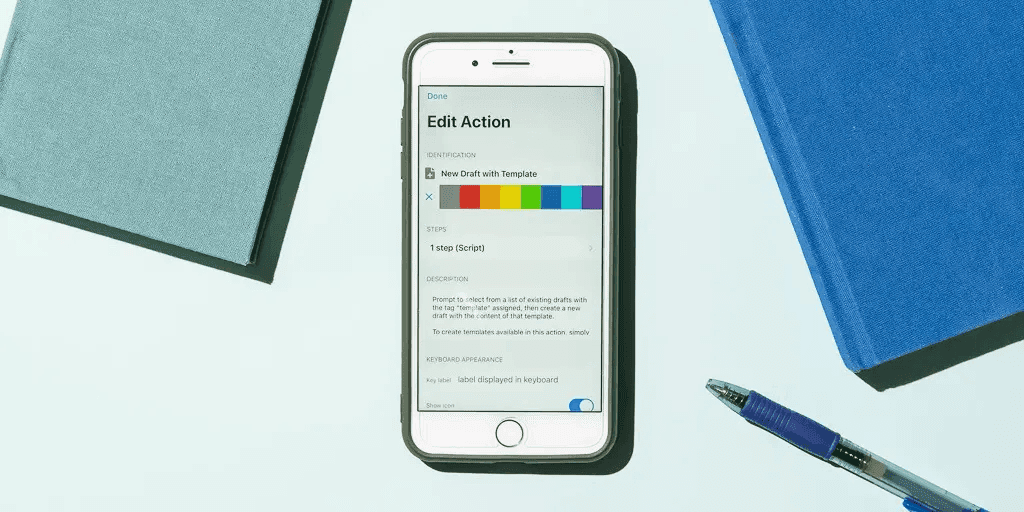
- The workflow: Use Actions to send your text to Notion or Obsidian with a single tap. Type the idea on the subway, fire it to your project folder once you're above ground.
- The vibe: For people who want zero buttons between them and a blank page.
1. Brainbits (The AI That Does the Work For You)
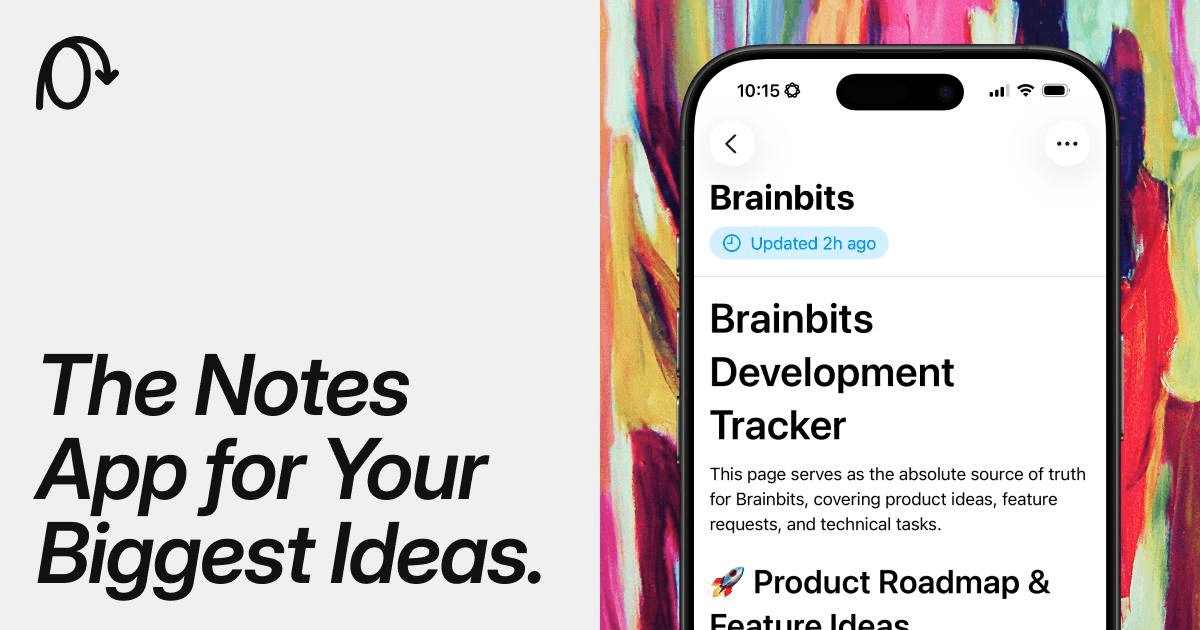
It's built for the "messy" phase of thinking. You dump a thought, a voice note, a link — whatever — into a single timeline and close the app. That's it. No tagging, no filing, no homework.
- The workflow: This is where it beats everything else on this list. Brainbits uses AI to create Super Pages. If you've been dropping random thoughts about a side project all week, Brainbits automatically gathers them into one structured page for you. By the time you open Notion at your desk, the organisation is already done.
- The vibe: A Second Brain that cleans up after itself.
The bottom line
Your Second Brain shouldn't feel like a second job. Use these feeder apps to handle the messy, on-the-go phase of thinking — and save the big apps for the structured, desk-based phase of building.
Try Brainbits today and stop letting your best ideas die in a loading screen.
Built with Brainbits
Brainbits is the notes app I use to capture and organise every idea behind articles like this one.